
Concepts Primer
The five ideas that actually matter — MAGI, Full Retirement Age, the ACA subsidy cliff, RMDs and bracket strategy — explained in plain English before you touch a single number.
Home › Getting Started
Your first afternoonOpen one file — no installation, no account, nothing to configure. Three friendly guides greet you the moment you launch it, and you can have a real, stress‑tested plan the same afternoon. Here’s exactly what your first session looks like.
They open automatically the very first time you launch the planner — and you can relaunch any of them from the Help menu whenever you like.
The five ideas that actually matter — MAGI, Full Retirement Age, the ACA subsidy cliff, RMDs and bracket strategy — explained in plain English before you touch a single number.
Answer a handful of friendly questions and the wizard builds your first complete, end‑to‑end plan in about three minutes. Every default is yours to change later.
A guided walk around the dashboard that points out what every panel does, so nothing feels mysterious and you always know where to look.
Most planners assume you haven’t retired yet. This one has a purpose‑built path for both — so you’re not forced to recreate a life you’re already living.
Good to know: the AI co‑pilot is the one optional extra — it runs on your own AI provider key: Anthropic (Claude, recommended), OpenAI, Google Gemini, OpenRouter, or a free local model via Ollama (cloud providers typically cost a few cents per use; Ollama is free and fully private; nothing stored or shared). A more capable model gives better answers. Everything else — the full five‑phase engine, tax, healthcare, Monte Carlo, optimizers and reports — works completely without a key.
Want the full five‑step picture from setup to sign‑off? See How it works.
Try a bolder retirement age. Test a Roth conversion. Compare claiming Social Security at 62 against 70. You can poke at anything without fear — the planner quietly saves every change and lets you step back at any time.
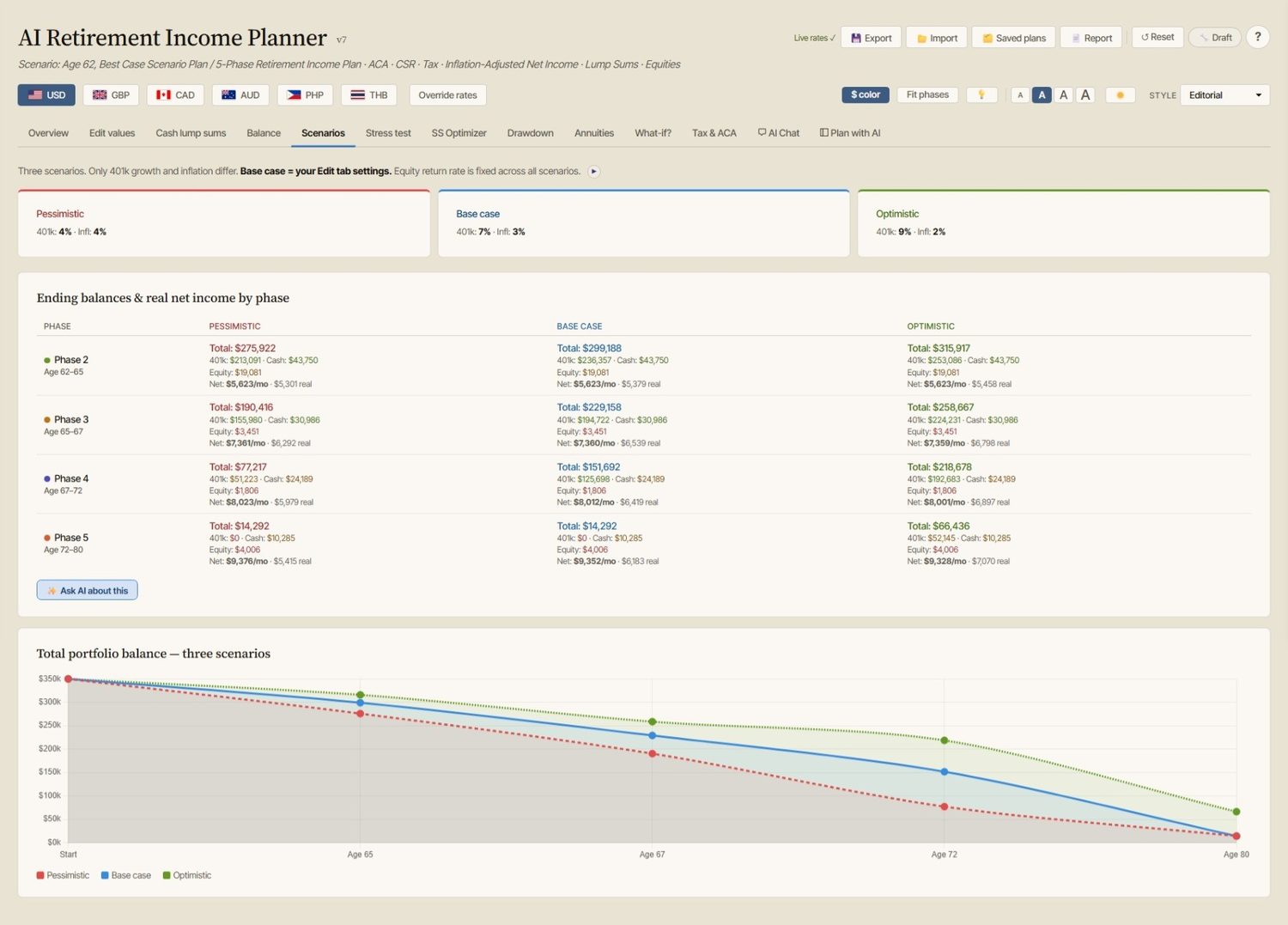
You don’t have to read a word to use the planner — but if you like to understand the “why”, there’s plenty waiting for you. We’d especially suggest starting with the companion eBook and the User Guide.
“Build a Retirement Plan You Can Question” is the book behind the planner — the ideas, in your own time. Paperback & hardback on Amazon.
✔ Get the full eBook free — just join the newsletter. Also included with your planner purchase.
A complete walkthrough of every screen, plus a concise tour of everything the planner can model.
Plain‑English explanations sit beside every result, with an A–Z glossary and contextual help on tap — so answers are always one click away while you plan.
Short tutorial videos walk you through the planner feature by feature, at your own pace.
If you like to learn by following along, our step-by-step series walks you through the planner from your very first screen to advanced scenario testing. Start at number one, or jump straight to whatever you need — each part stands on its own.
Have a question before you start? Contact us →