
Home › How It Works
From setup to sign‑offHow it works
No installation, no account. Open the file, follow the wizard, and you’ll have a real, stress‑tested retirement plan in an afternoon — often much less.
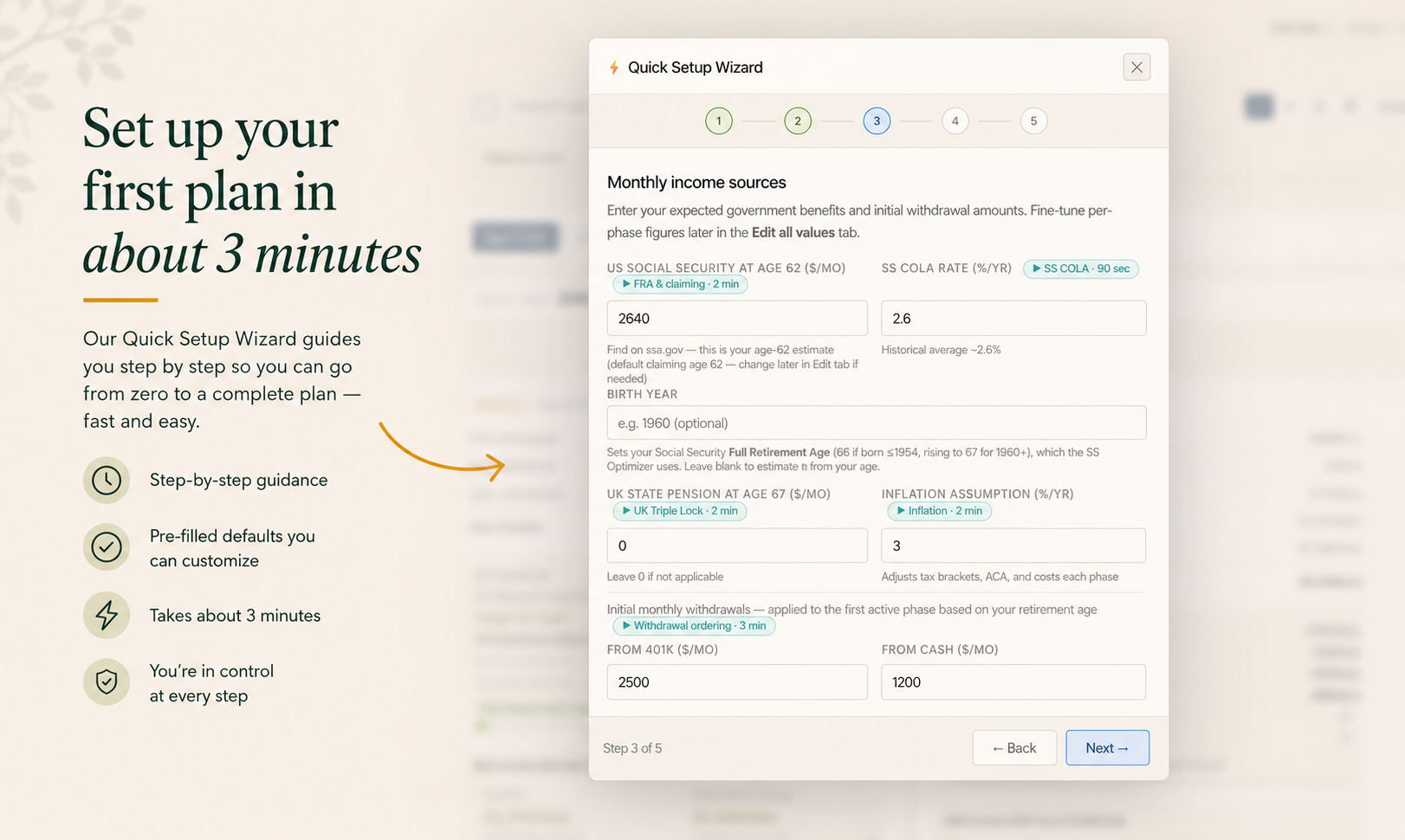
Set up your first plan in about 3 minutes
On first open, three guided aids welcome you: the Quick Setup Wizard takes you step by step from zero to a complete plan, a Concepts Primer explains the essentials (MAGI, FRA, the ACA cliff, RMDs), and a Feature Tour shows you around. All three open automatically for newcomers — and you can relaunch any of them from Help whenever you like.
- Wizard, Concepts Primer & Feature Tour, auto‑opened on first visit
- Pre‑filled defaults you can change
- Relaunch any guide from Help at any time
See your retirement, phase by phase
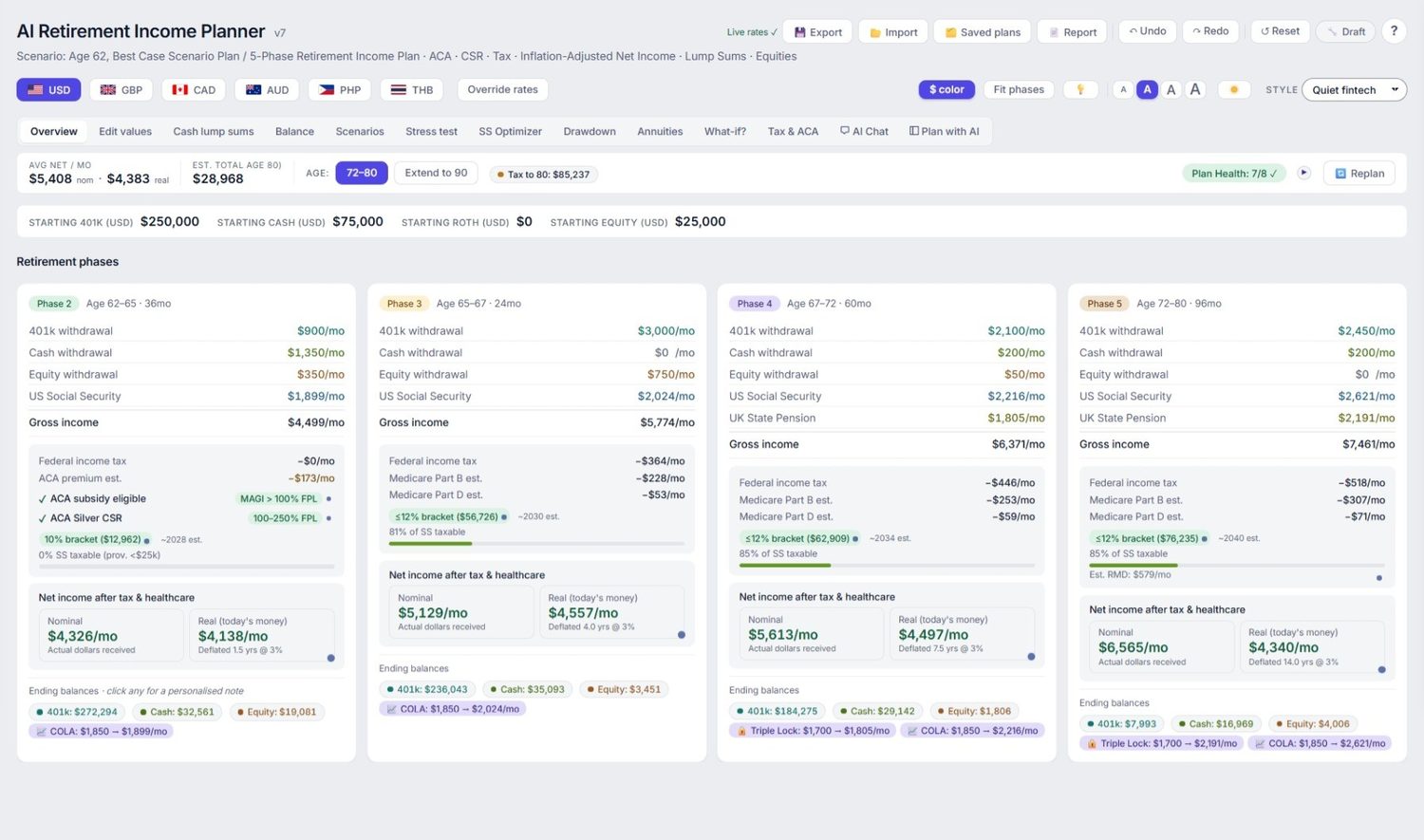
Your plan appears as a clear five‑phase timeline. Each phase shows withdrawals by account, gross income, taxes, healthcare costs and the net income you’d actually receive — in both today’s money and future dollars.
- Per‑account withdrawals & balances
- Taxes & healthcare estimated for every phase
- Net income shown nominal and inflation‑adjusted
Ask the AI co‑pilot in plain English optional
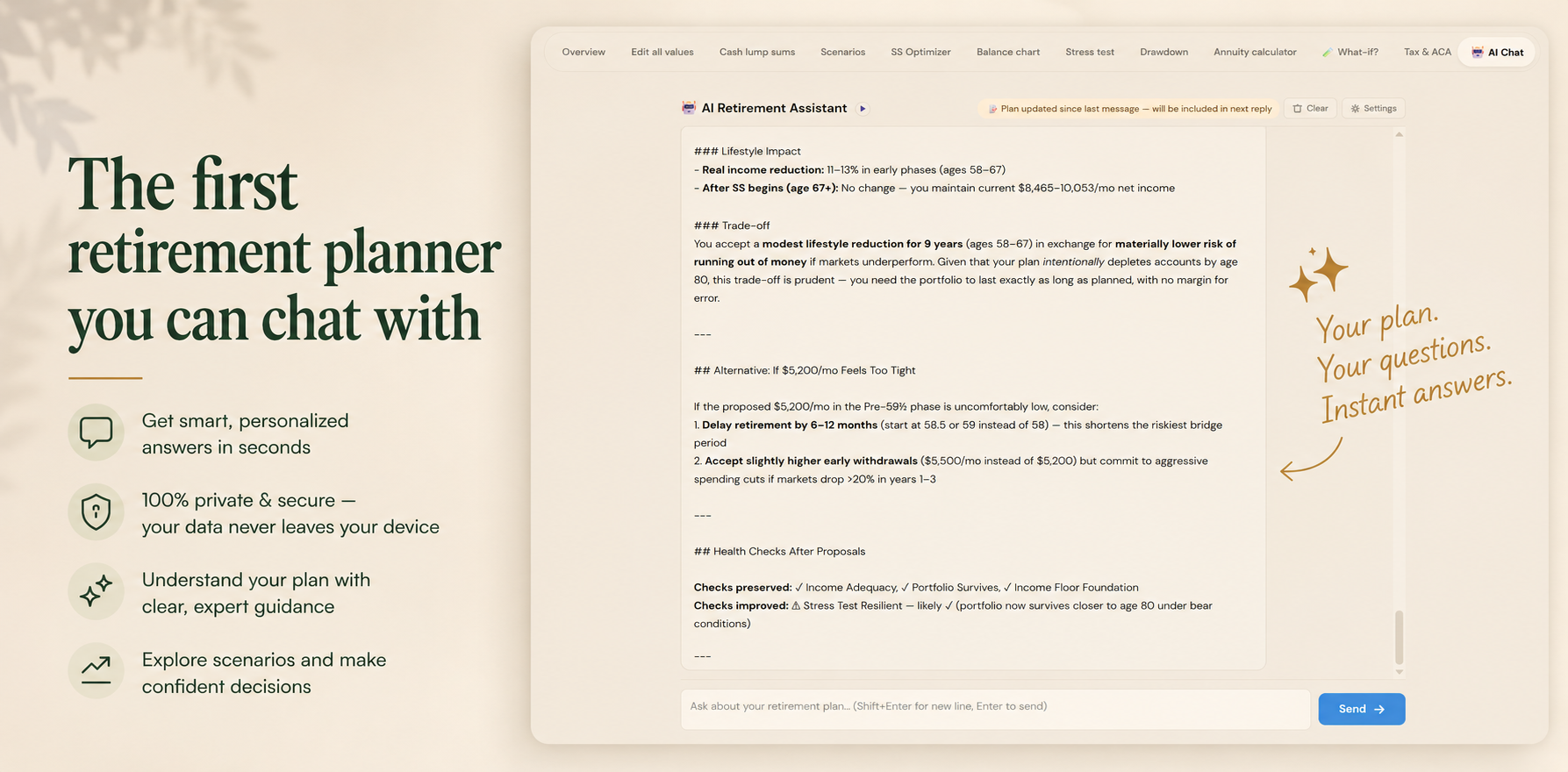
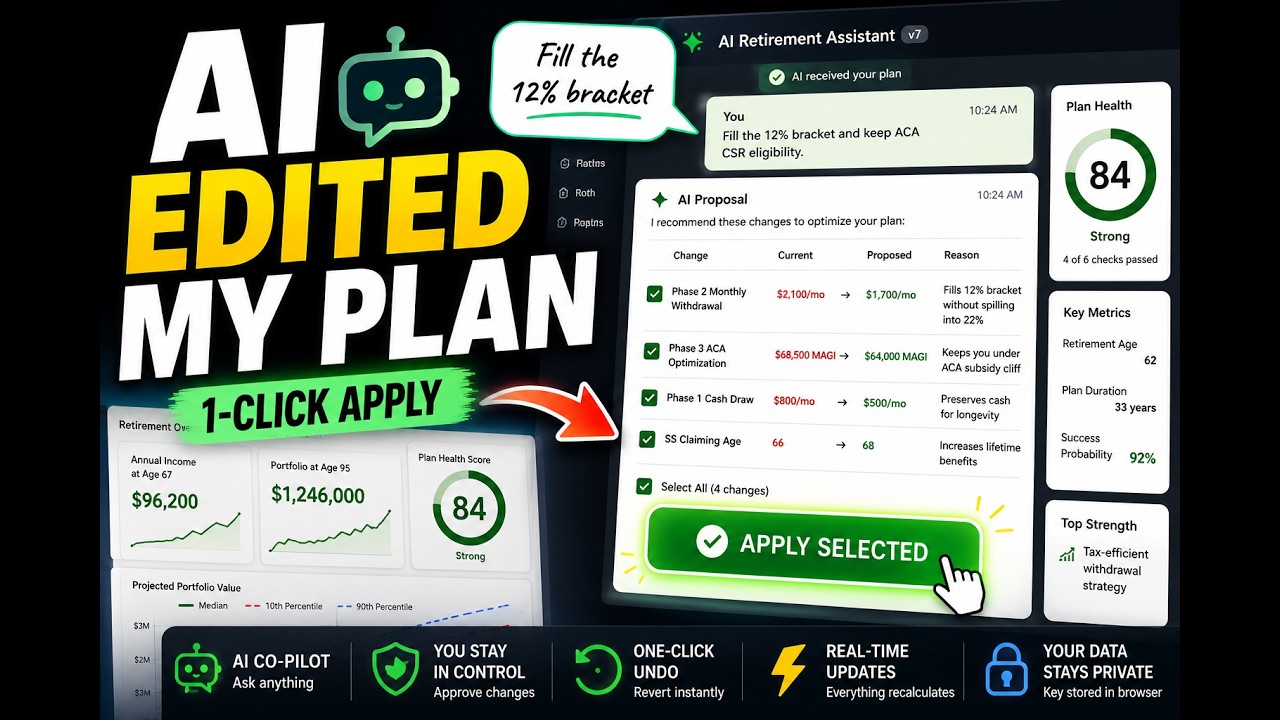
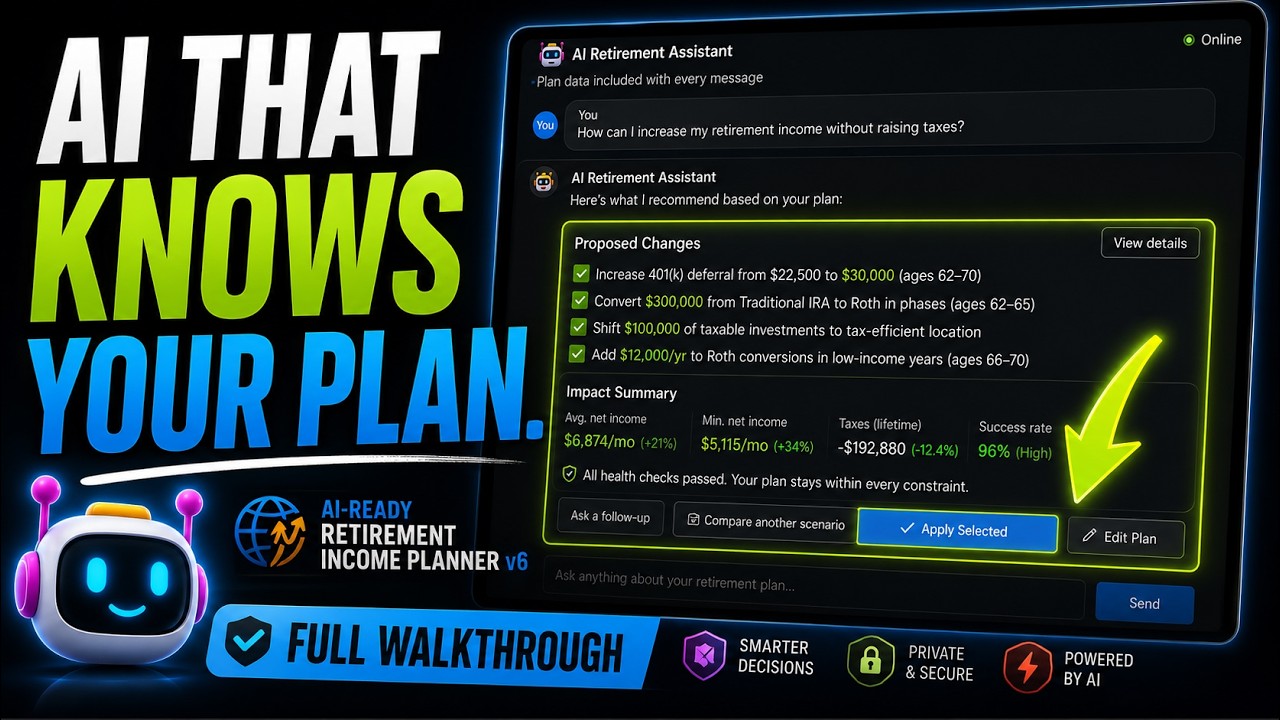
Open the Plan‑with‑AI sidebar and just ask. It proposes specific numeric changes, runs them through the planner’s own simulator, and shows the verified outcome — so you can accept improvements with confidence.
- Personalized answers in seconds
- Every proposal simulated & verified
- You approve before anything changes
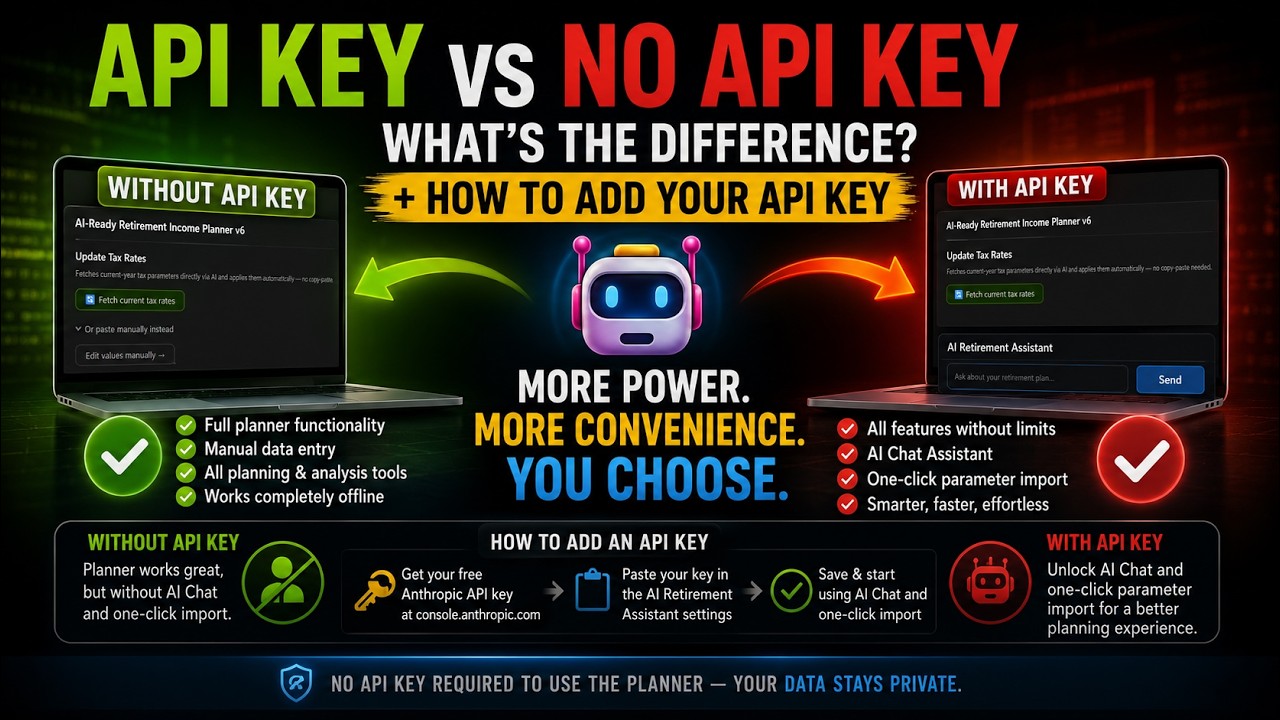
- Entirely optional — runs on your own Anthropic API key; every other part of the planner works fully without it
Stress‑test and explore the what‑ifs
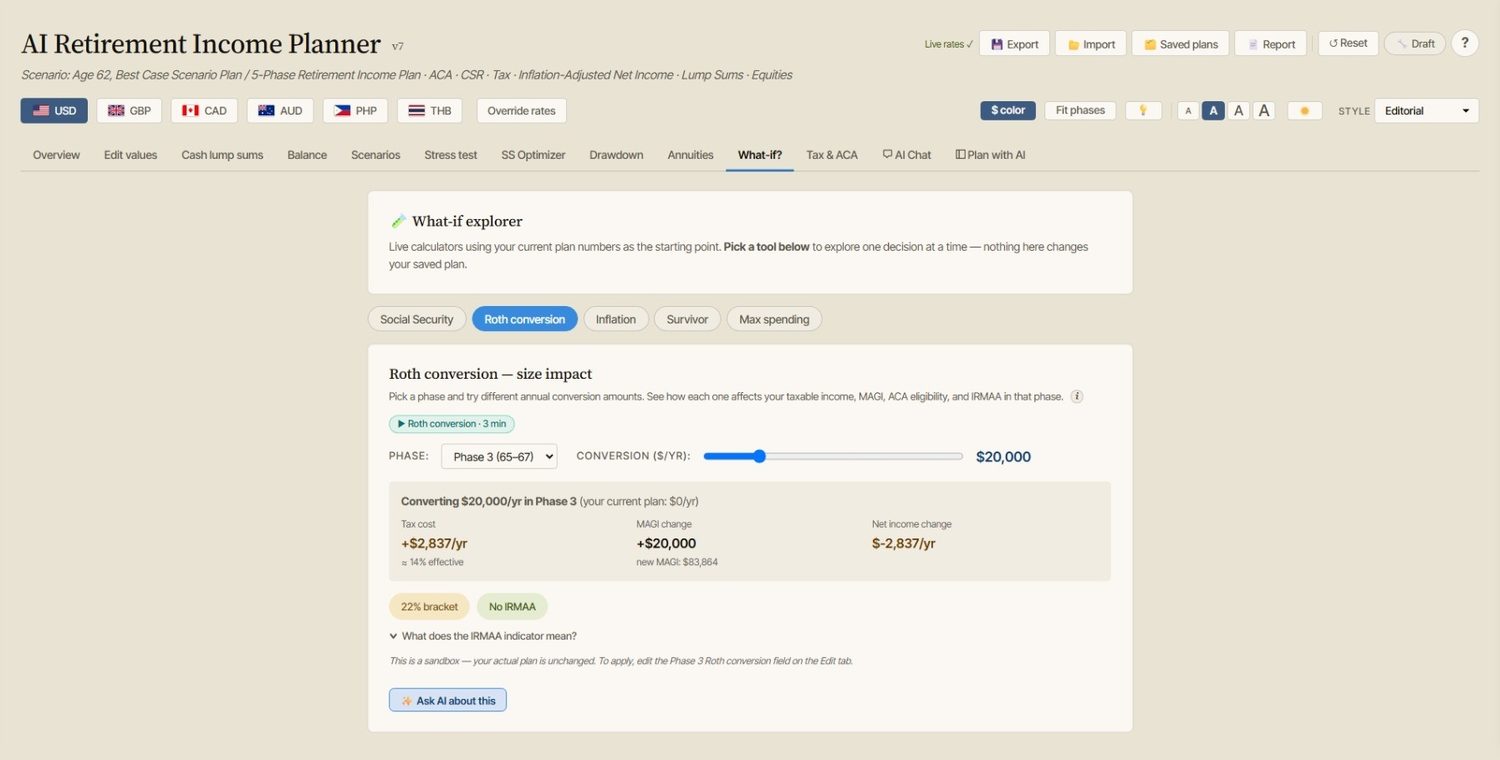
Run Monte Carlo and historical backtests, compare claiming ages, model the survivor’s income, and explore what‑ifs for inflation, Roth conversions and maximum sustainable spending — all before you commit.
- Hundreds of market scenarios, not one forecast
- Social Security & survivor planning
- What‑if explorer for every big lever
- Experiment freely — autosave and undo/redo mean nothing’s lost
Sign off, export and review
When you’re happy, mark the plan Signed off — the planner snapshots your numbers and sets a 12‑month review reminder. Export a multi‑page PDF to keep or share, or a JSON file to back up and re‑import later.
- Draft → Under review → Signed off
- Multi‑page PDF report
- JSON backup you fully own
See what comes out
A real fourteen-page report the planner produced from its built-in example plan: headline metrics, every phase, the balance trajectory, Monte Carlo, the twelve stress scenarios, and a page listing every assumption behind the numbers.
Open the example report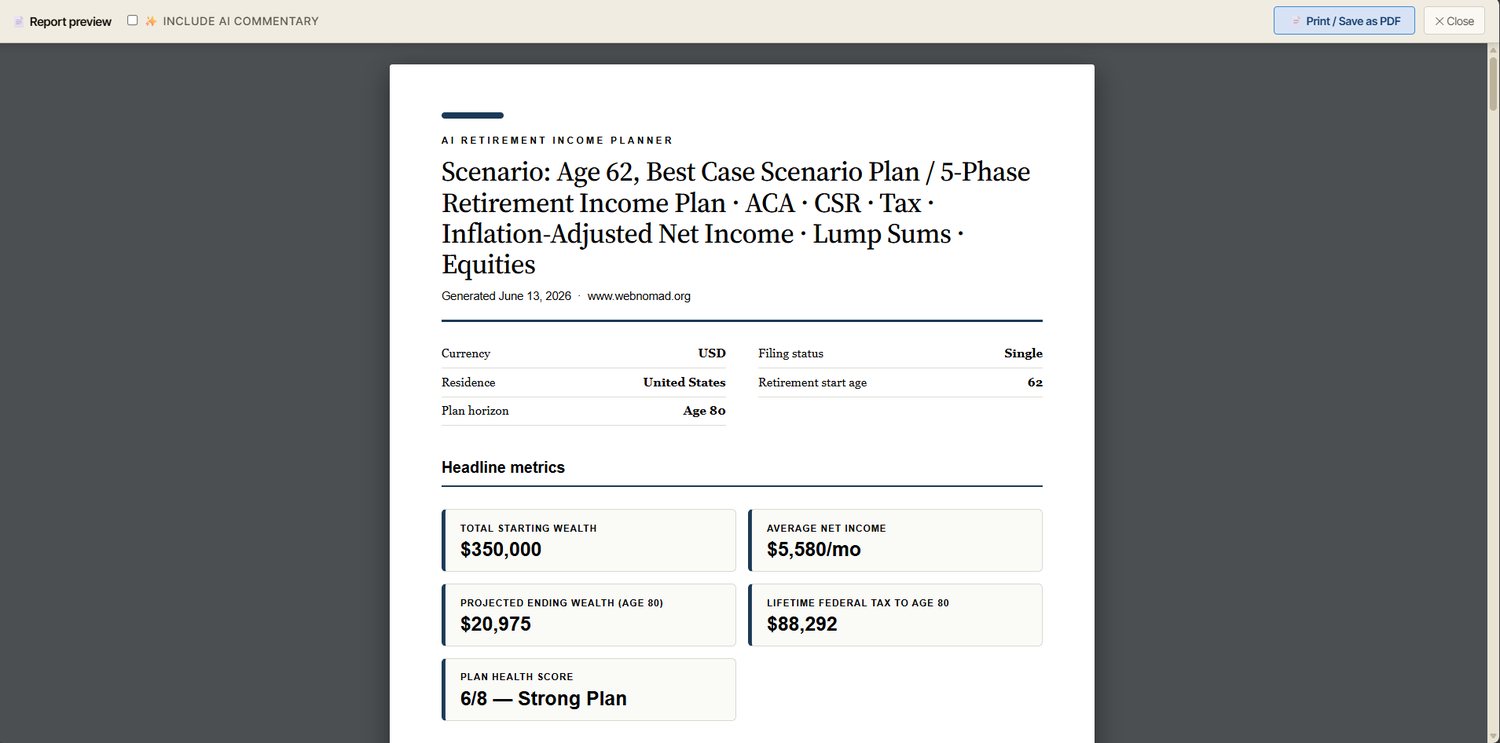
Video tutorials
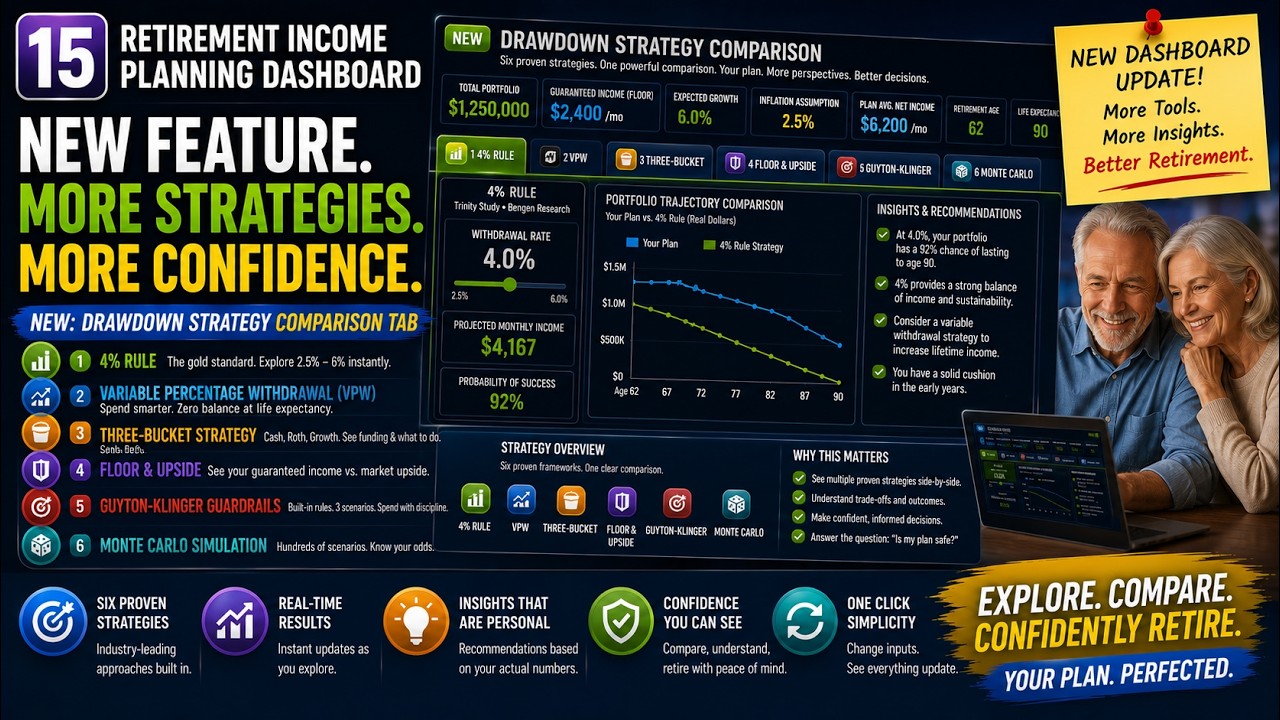
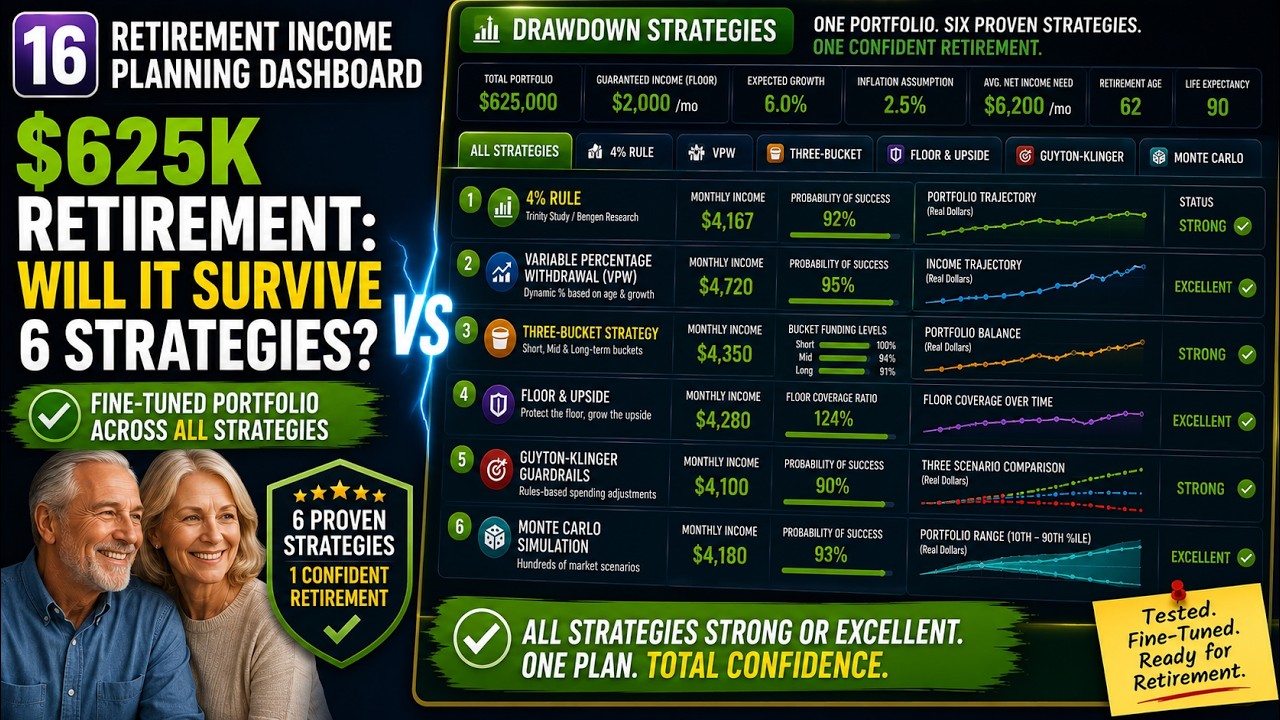
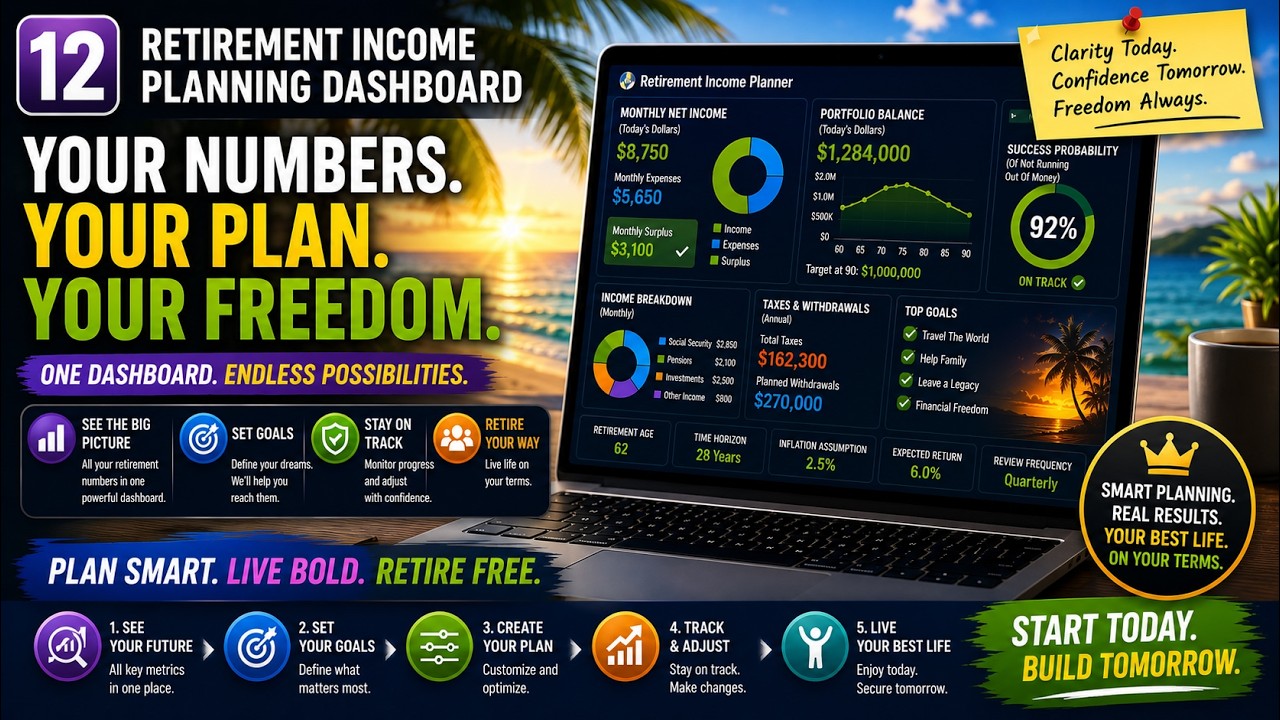
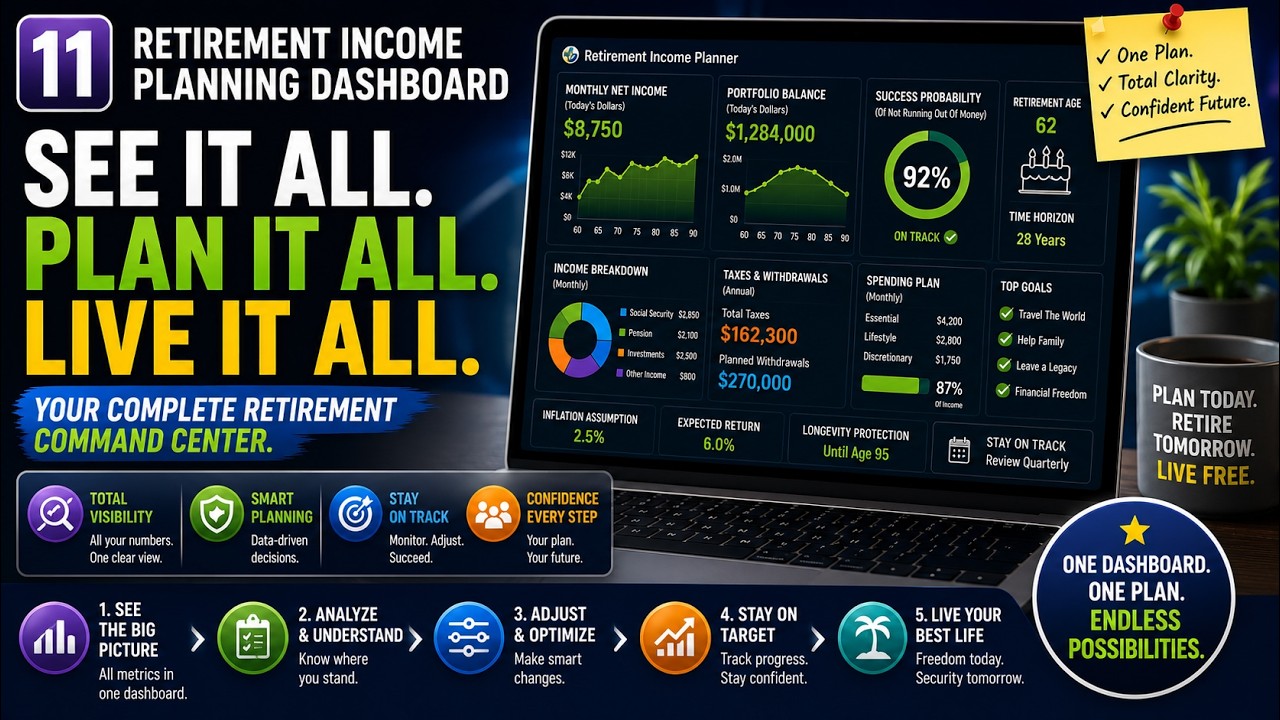
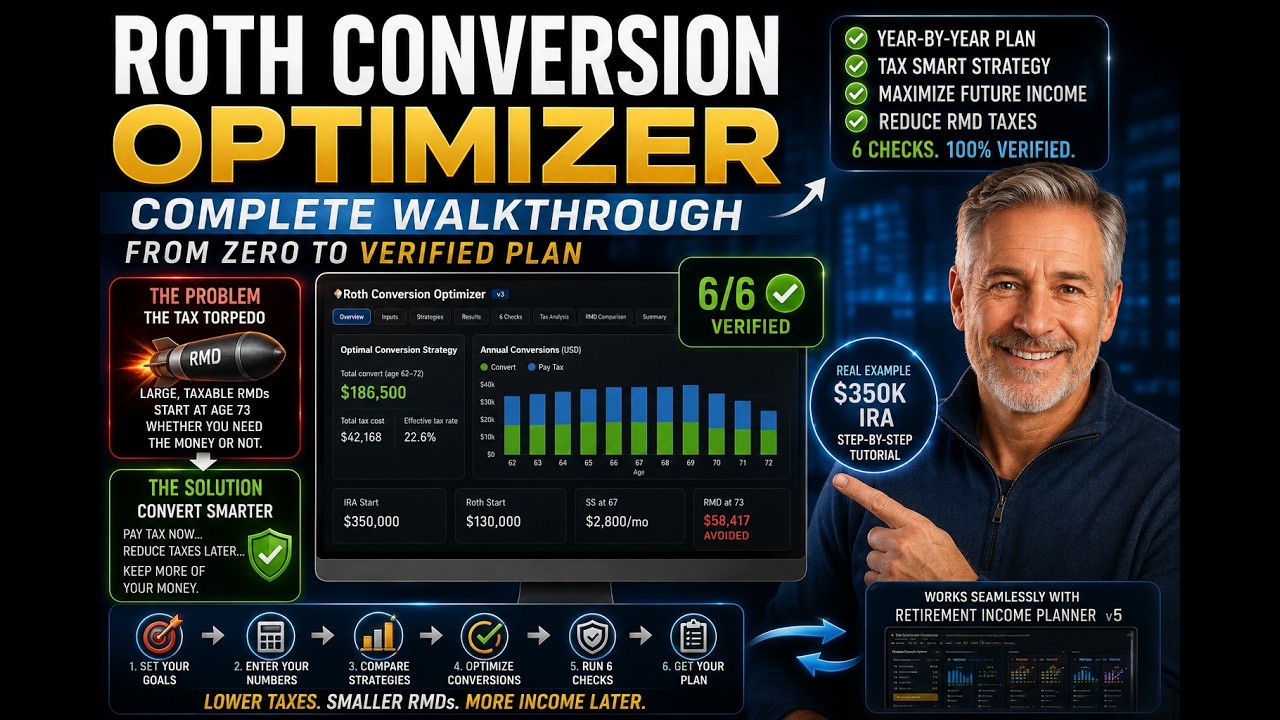
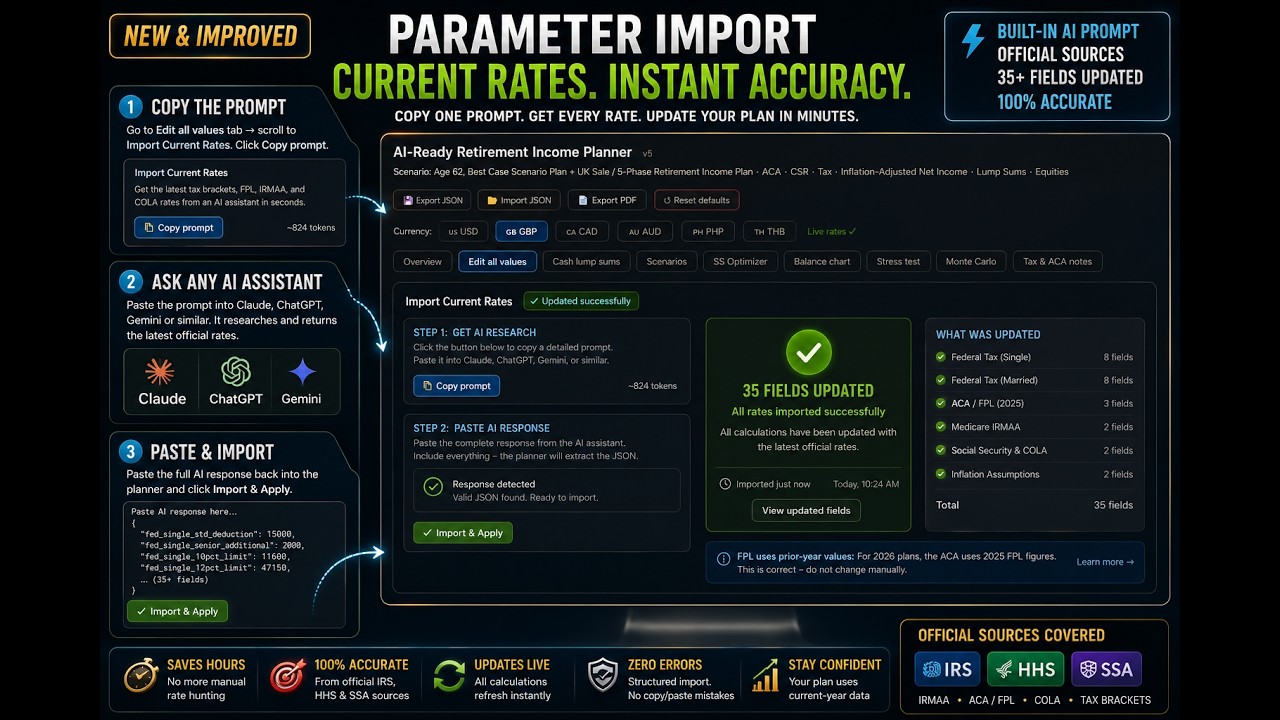
Prefer to watch? A full playlist walks you through the planner, feature by feature.
 Watch the tutorial ›
 ▶
▶ ▶
▶ ▶
▶ ▶
▶ ▶
▶ ▶
▶ ▶
▶ ▶
▶ ▶
▶ ▶
▶ ▶
▶ ▶
▶Still need help? Contact us →
Free eBook + new-video alerts
Join the newsletter for the full companion book, planning tips, and a heads-up when new YouTube tutorials go live.
Your plan is closer than you think.
Have a question before you start? Contact us →