
Short Answer
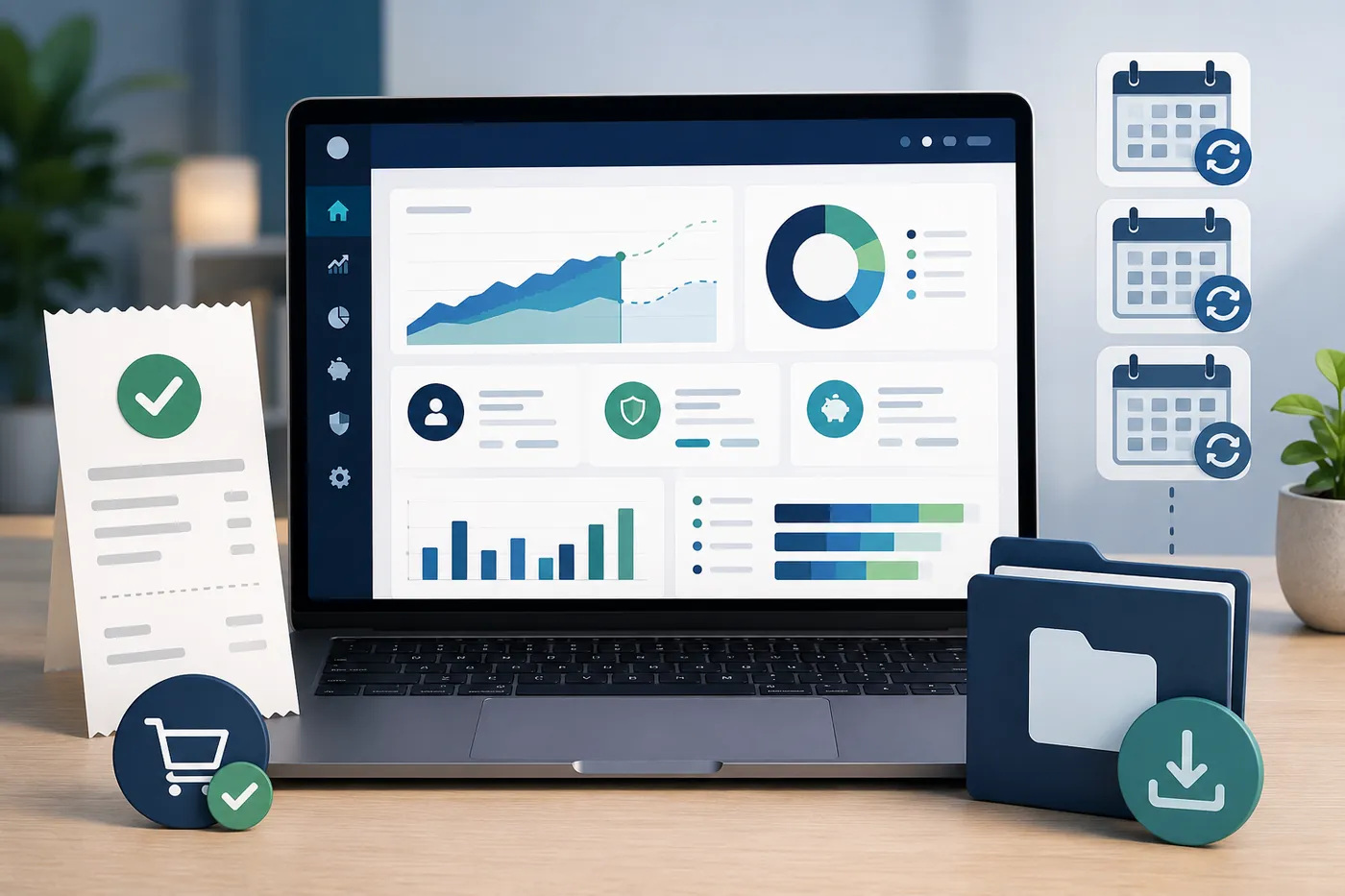
One-time purchase retirement software can make sense when you want to own the planning tool, avoid recurring software bills, keep the workflow private, and update your plan manually over time.
It is especially appealing when the planner:
- Does not require an account.
- Does not require bank or brokerage links.
- Stores plan data locally.
- Lets you export and back up your work.
- Models retirement income, taxes, healthcare, Social Security, withdrawals, and risk.
- Does not stop working because a subscription renewal fails.
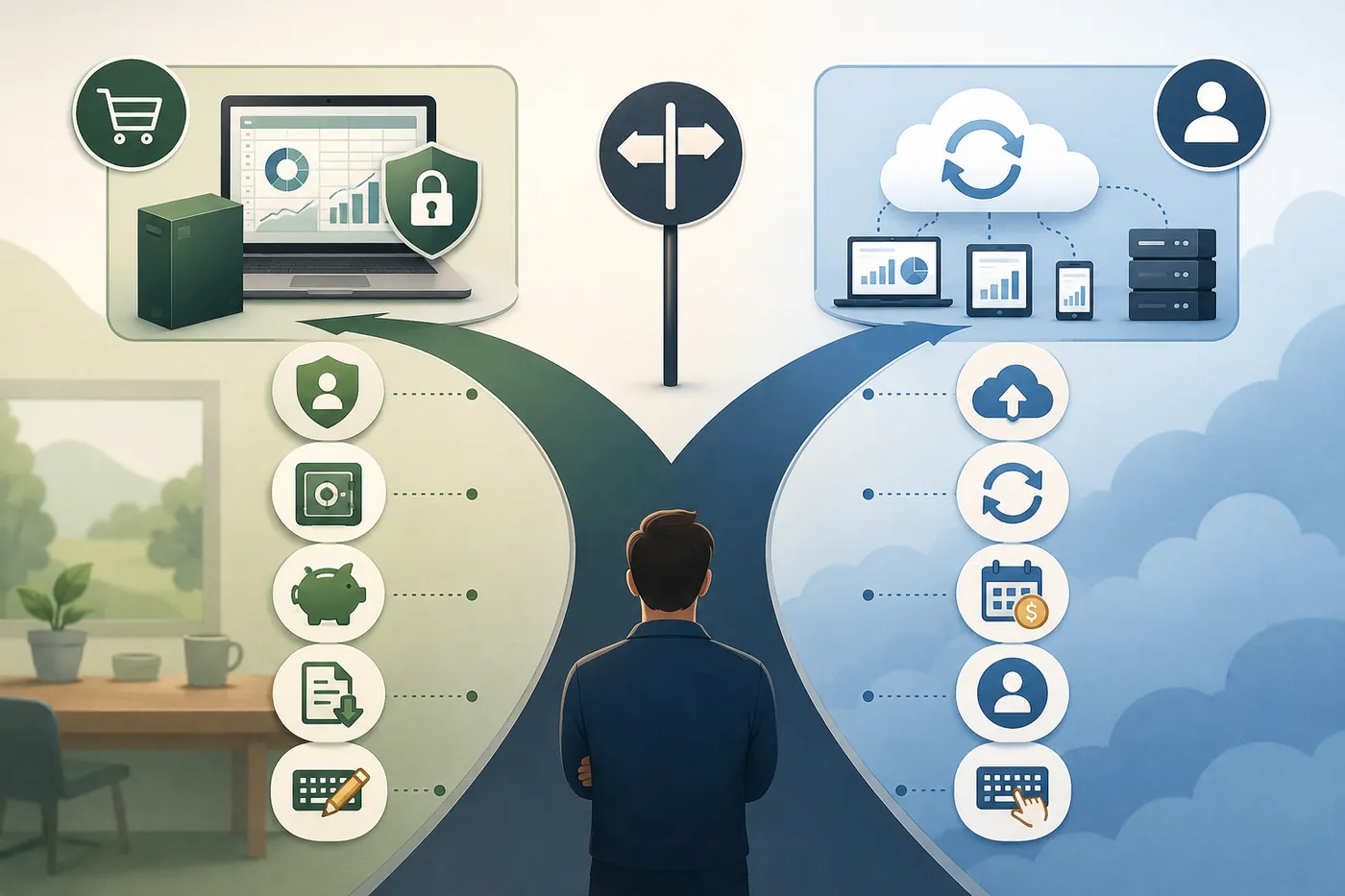
Subscription retirement software can still be worth paying for when you want cloud sync, hosted updates, account-based access, support, advisor collaboration, or automatic online services.
The point is not that one model is always better.
The point is that retirement planning is long-term. The software cost model, privacy model, and ownership model should match the way you actually want to plan.
Key Takeaways
- One-time purchase software can reduce long-term subscription cost and give users more control over access.
- A buy-once planner is strongest when it still includes taxes, healthcare, Social Security, withdrawals, scenarios, and risk tools.
- Subscription tools may be better for cloud sync, hosted updates, integrations, advisor access, or support.
- Privacy-focused buyers should compare account requirements, data storage, export options, bank links, and optional AI data flow.
- The AI Retirement Income Planner is a one-time purchase browser-based planner with no account requirement and no bank links.
- The planner is offline-capable once opened, but optional AI features, model discovery, tax-rate lookup, help-content audit, exchange-rate fetching, and linked videos require network access.
- A one-time purchase tool still requires backup discipline and periodic assumption updates.
Why The Purchase Model Matters
Retirement planning is not a one-week task.
People revisit a plan after:
- A market decline.
- A job change.
- A retirement date change.
- A Social Security decision.
- A Roth conversion.
- A tax-law change.
- A healthcare premium change.
- A move.
- A spouse's death.
- A large expense.
- A new pension or annuity quote.
That means the planning tool may matter for years.
With subscription software, the user pays for continued access to the hosted tool or premium features. That can be perfectly reasonable. Developers, support teams, servers, updates, security, and integrations cost money.
With one-time purchase software, the user pays once for the tool or file and keeps using that downloaded planner under the purchase terms.
That can appeal to people who dislike recurring software bills or who want a planning file they can keep on their own device.
Subscription Software Is Not Bad
It is worth saying this plainly.
Subscription retirement software can be excellent.
ProjectionLab's official pricing page, checked for this article, lists a free Basic tier, a Premium tier at $129 per year, and a Pro tier for advisors at $549 per year. Its Premium feature list includes tools such as cash-flow projections, tax optimization, withdrawal strategies, What-if scenarios, compare mode, Roth conversions, ACA subsidies, downloadable reports, multiple plans, and international planning.
MaxiFi's official pricing page, checked for this article, lists annual Standard, Premium, and Premium Plus tiers. The page lists features such as lifetime financial planning, Social Security timing, tax-efficient withdrawals, Living Standard Monte Carlo, Roth Conversion Optimizer, reports, and scenario tools.
Boldin offers an account-based planning workflow with a free starting point and paid upgrade options, according to its official planner page.
Those tools can make sense for many users.
The question for this article is narrower:
When does a one-time purchase planner make more sense?
When One-Time Purchase Software Makes Sense
One-time purchase retirement software can be the better fit when:
- You do not want another annual bill.
- You want to keep using the downloaded planner without a renewal.
- You do not need cloud sync.
- You do not want an account requirement.
- You do not want bank or brokerage links.
- You are comfortable entering balances manually.
- You are willing to export backups.
- You want a private planning workflow.
- You want a planning file you can revisit.
- You prefer paying for a tool instead of renting access.
This is especially true for retirement planners who update their plan a few times per year rather than every day.
A daily budget app may benefit from account sync. A retirement income planner may not need it.
If you review your retirement plan quarterly or after major life events, manual data entry can be a reasonable privacy tradeoff.
Long-Term Cost Comparison
The math is simple, but the right answer is personal.
Suppose a subscription planner costs $129 per year.
Over five years, that is $645.
Over ten years, that is $1,290.
If the tool saves time, improves planning, and stays useful, that cost may be justified.
Now compare a one-time purchase tool.
The user pays once. The long-term cost does not rise because another year passes.
That can make sense if:
- The tool already does what the user needs.
- The user does not need hosted services.
- The user does not need advisor collaboration.
- The user is comfortable keeping backups.
- The user understands that tax and healthcare assumptions still need review.
The cost comparison should not stop at price.
Compare:
- Feature depth.
- Update process.
- Privacy model.
- Export options.
- Account requirements.
- Learning curve.
- Support needs.
- Planning accuracy.
- Whether the tool is still useful if internet access is unavailable.
Ownership And Access
One of the strongest arguments for one-time purchase retirement software is access.
If a downloaded planner does not require an account or subscription, the user can keep opening the file as long as the file and browser environment remain usable.
That is different from software where access depends on:
- Account login.
- Subscription status.
- Vendor servers.
- Pricing tier.
- Changed terms.
- Internet access.
Cloud software can offer convenience. Local software can offer continuity.
The best choice depends on what the user values more.
For many retirement planners, continuity matters. They may want to look back at a plan from three years ago and compare it with a new version after taxes, healthcare costs, or retirement timing change.
Privacy And Account Requirements
One-time purchase software often appeals to privacy-focused users, which is the whole premise behind retirement planning software without a subscription.
The reason goes beyond cost.
Retirement planning data can include:
- Ages.
- Spouse information.
- Account balances.
- Social Security estimates.
- Pension details.
- Healthcare costs.
- Tax assumptions.
- Roth conversion plans.
- Survivor concerns.
- Spending goals.
- Planned moves.
Some users do not want this in a cloud account unless there is a strong reason.
The AI Retirement Income Planner's audited capabilities support these careful claims:
- The downloaded planner is a single self-contained HTML file.
- It runs locally in a modern browser.
- No account is required.
- No subscription is required for the downloaded planner.
- No bank, brokerage, payroll, or account aggregation is included.
- Plan data is stored in browser localStorage.
- Manual JSON export/import is available for backup and transfer.
- Report preview can be printed or saved as PDF through the browser.
That privacy model will appeal to some users.
It also creates responsibilities: device security, backup habits, and careful storage of exported files.
The AI And Network-Access Qualification
Privacy claims should be precise.
The AI Retirement Income Planner is offline-capable once opened, but optional AI features, model discovery, tax-rate lookup, help-content audit, exchange-rate fetching, and linked videos require network access.
That means a careful buyer should separate:
- Core local planning.
- Optional AI assistance.
- Optional API calls.
- Exchange-rate fetching.
- External videos or resources.
Users who want the most private workflow can use the core planner without optional AI features.
Users who want AI help can configure it intentionally, using their own keys and selected provider settings.
A One-Time Purchase Tool Still Needs Real Planning Power
A cheap one-time tool is not automatically useful.
The planner still needs to answer retirement questions, and a retirement calculator with taxes and healthcare is a good baseline for what to expect.
Look for:
- Retirement income by phase.
- Cash, taxable, Roth, and tax-deferred accounts.
- Social Security timing.
- Spouse and survivor planning.
- Pension income.
- Tax-aware withdrawals.
- Roth conversions.
- RMD estimates.
- ACA before Medicare.
- Medicare assumptions.
- IRMAA context.
- Healthcare inflation.
- Scenario comparison.
- Stress testing.
- Monte Carlo.
- Historical backtesting.
- Drawdown strategies.
- Reports.
The AI Retirement Income Planner includes those surfaces in the audited local planner file.
That is what makes the one-time purchase model credible: it is not merely a simple calculator, and it is not a substitute for comparing spreadsheets against dedicated retirement planning software before deciding what level of structure you actually need.
What One-Time Purchase Software Gives Up
The tradeoffs are real.
A one-time purchase local planner may give up:
- Automatic cloud sync.
- Hosted account recovery.
- Real-time bank balances.
- Team or advisor collaboration.
- Automatic product updates.
- Server-based computation.
- Built-in support chat.
- Mobile app convenience.
Some users want those things.
For them, subscription software may be a better fit.
For other users, those features are less important than local ownership, manual control, and no recurring bill.
Best-Fit Users
One-time purchase retirement software may fit:
- DIY planners.
- Privacy-focused households.
- Users who dislike subscriptions.
- Spreadsheet users who want more structure.
- Retirees who update their plan periodically.
- Couples who want to test Social Security and survivor outcomes.
- Early retirees who need ACA and Medicare modeling.
- Tax-aware planners testing Roth conversions and RMDs.
- People who want reports and scenarios without an account.
It may not fit:
- Users who want automatic account sync.
- Users who want daily budgeting.
- Users who want cloud access from every device.
- Users who want advisor-managed software.
- Users who prefer support teams and hosted systems.
- Users who do not want to manage backups.
Example: Subscription vs One-Time Purchase
Assume a 60-year-old couple is five years from Medicare.
They want to model:
- Retirement at 62, 64, or 65.
- ACA coverage before Medicare.
- Social Security timing.
- Roth conversions before RMDs.
- Medicare and IRMAA.
- Survivor income.
- Sequence-of-returns risk.
- Healthcare inflation.
- Drawdown order.
A subscription planner may offer a polished web experience, cloud login, ongoing updates, and a support model.
A one-time purchase planner may offer local access, no account requirement, no bank links, manual exports, and no recurring planning bill.
The right choice depends on which workflow they want to maintain for the next decade.
If they want the software to hold their account and update in the cloud, subscription may fit.
If they want a private planning file and are willing to update assumptions manually, one-time purchase may fit.
Questions To Ask Before Buying
Before choosing any retirement software, ask:
- Is it subscription, one-time purchase, or freemium?
- What stops working if I stop paying?
- Is an account required?
- Are bank links required?
- Can I enter data manually?
- Where is my data stored?
- Can I export my plan?
- Can I print or save a report?
- Does it model taxes?
- Does it model healthcare?
- Does it include Social Security timing?
- Does it model spouse and survivor outcomes?
- Does it include Roth conversions and RMDs?
- Does it test risk?
- Does optional AI send plan data outside the tool?
- How are updates handled?
- What assumptions will I need to review each year?
The best software is not the one with the longest feature list.
It is the one you understand well enough to keep using. If avoiding a recurring bill is the main goal, the guide to retirement planning software without a subscription compares that specific approach against the main cloud tools.
Where The AI Retirement Income Planner Fits
The AI Retirement Income Planner fits the buyer who wants:
- One-time purchase.
- No subscription for the downloaded planner.
- No account requirement.
- No bank connection.
- Private browser-based planning.
- Manual JSON export/import.
- Report preview.
- Taxes and healthcare.
- Social Security timing.
- Couples and survivor planning.
- Roth conversions.
- RMD estimates.
- ACA, Medicare, and IRMAA context.
- Healthcare inflation.
- Scenario comparison.
- Stress tests.
- Monte Carlo.
- Historical backtesting.
- Drawdown strategies.
- Optional AI assistance.
It is less suited for:
- Account aggregation.
- Budgeting.
- Expense tracking.
- Brokerage trading.
- Advisor marketplace workflows.
- Fully automated data feeds.
That clarity is useful.
The planner is built for retirement income planning, education, and confidence, not for daily money management.
Educational Disclaimer
This article is educational only. It is not financial, tax, investment, legal, healthcare, insurance, privacy, cybersecurity, Social Security, estate, or retirement advice. Software costs, product features, licensing terms, privacy policies, tax rules, and healthcare rules can change. Verify current details before buying or making retirement decisions.
FAQ
What is one-time purchase retirement software?
One-time purchase retirement software is a planner or planning file that users buy once instead of paying a recurring subscription for the downloaded planner.
Is one-time purchase retirement software better than a subscription?
It depends on the user. One-time purchase software can be better for ownership, privacy, and avoiding recurring bills. Subscription tools can be better for cloud sync, hosted updates, integrations, support, and advisor collaboration.
Does one-time purchase software still need updates?
Yes. Even if the software does not require a subscription, users should review assumptions such as taxes, healthcare costs, Medicare premiums, Social Security timing, inflation, and account balances.
Does the AI Retirement Income Planner require an account?
No. The downloaded planner runs in a modern browser and does not require an account for the core planning file.
Does the AI Retirement Income Planner require bank links?
No. It is not a bank or brokerage aggregator. Users enter assumptions manually.
Can the planner be used offline?
Use the careful wording: it is offline-capable once opened, but optional AI features, model discovery, tax-rate lookup, help-content audit, exchange-rate fetching, and linked videos require network access.
What is the main tradeoff of one-time purchase software?
The main tradeoff is that the user usually handles manual data entry, backups, assumption reviews, and any optional updates.
Who should consider subscription retirement software instead?
Users who want cloud sync, hosted accounts, automatic updates, integrations, support teams, advisor collaboration, or automatic data feeds may prefer subscription software.
Source Links
- AI Retirement Income Planner official site: https://airetirementincomeplanner.com/
- WebNomad product overview: https://webnomad.webflow.io/pages/ai-ready-retirement-income-planner
- ProjectionLab pricing: https://projectionlab.com/pricing
- MaxiFi pricing: https://www.maxifi.com/pricing
- Boldin planner signup: https://www.boldin.com/retirement/planner
- FTC Privacy and Security guidance: https://www.ftc.gov/business-guidance/privacy-security